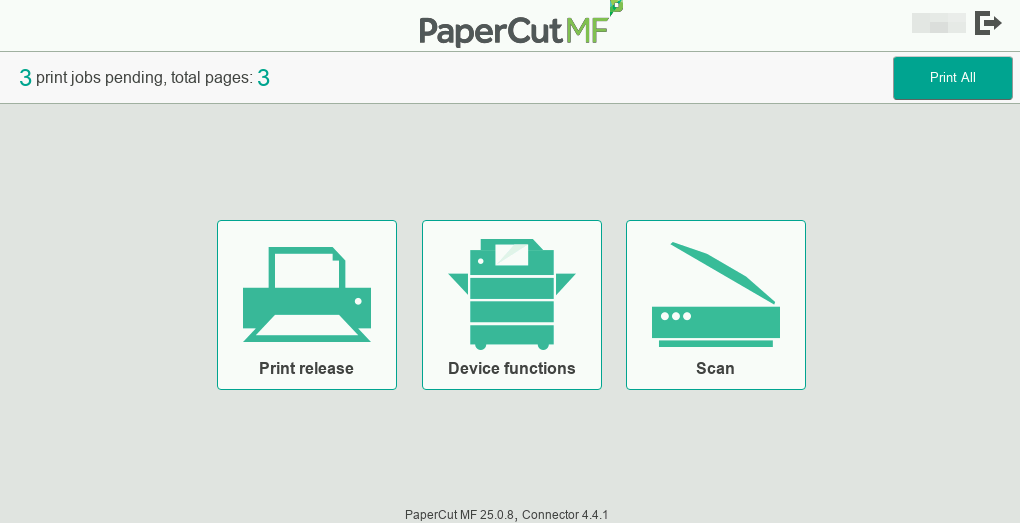
Self-Association process to link District Badge to Employee Email
This process must be completed before you are able to retrieve documents from the copier
The first time you use a printer in the district, your badge will not be tied to your user account.
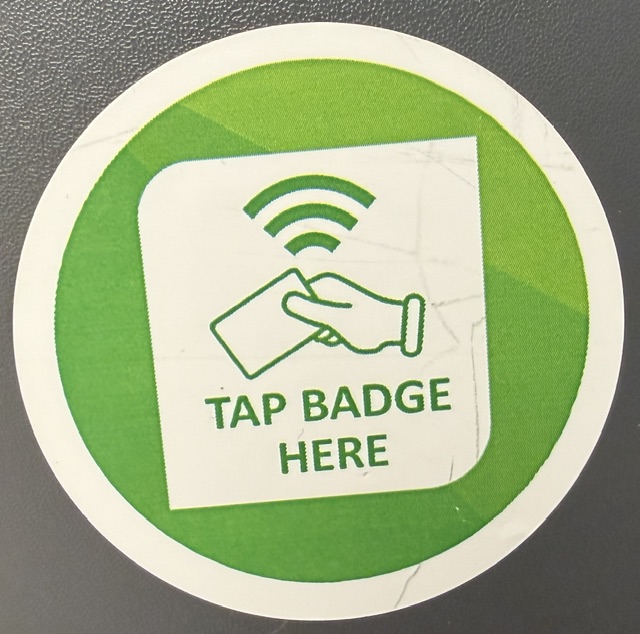
1. On the Front-Left of the printer, place your district badge against the Green "TAP BADGE HERE" Circle.. You should hear a 'beep'.
2. The screen will show a Unknown Badge and prompt for a username and password as seen below.
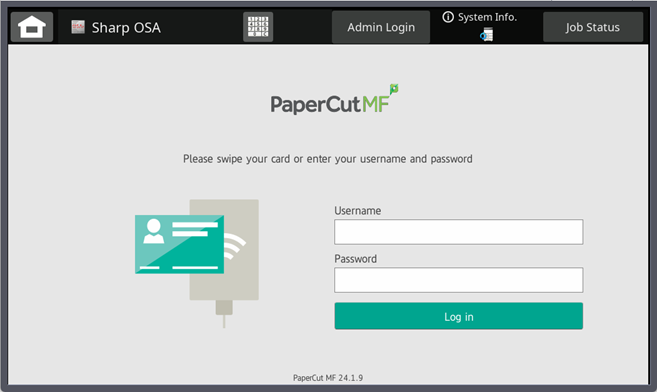
3. Enter your District Credentials (the same ones that you use to sign into a computer) and Log in.
4. Once you have entered your Username and Password successfully, it will say your badge has been associated with an account.
You can now scan your badge, and it will bring you to the welcome screen.