
The copying process has changed slightly as PaperCut now incorporates Integrated copy features.
Badge into the copier then from the PaperCut Welcome Screen and select the Access Device Icon.
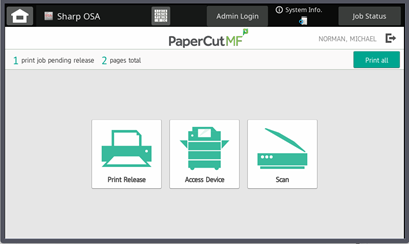
This will bring you to the Copiers Default Applications screen below.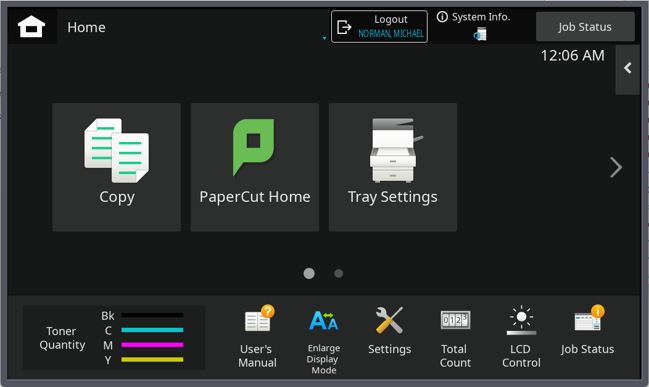
From here, you will see the normal copy option, as well as Tray Settings if you need to make any changes.
To get from the printer screen back to the PaperCut Welcome screen, select PaperCut Home.
When you are finished, you can click the Logout button on the top, without needing to return to PaperCut Home.